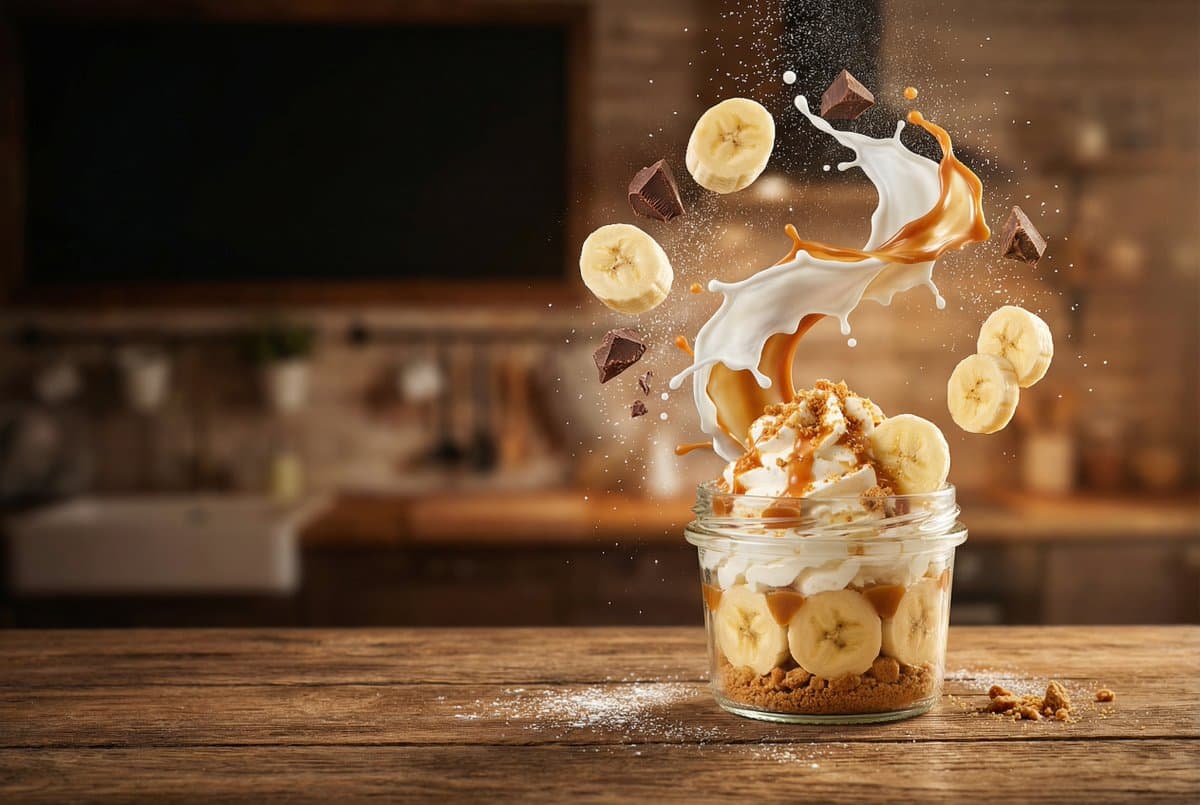
The Nano Banana 2 Successor, at Half the Credits
Nano Banana 2.1 is the model Google now recommends in place of Nano Banana 2. The request is the same — fifteen aspect ratios, briefs up to 20,000 characters, output at 1K, 2K, or 4K as PNG or JPG, and text to image and image to image on one model — but the image that comes back follows the brief more closely, holds a character steady across edits, and handles short rendered text and multi-reference prompts better than 2 did.
It also costs less. A 1K image is 7 credits, a 2K image 10, and a 4K image 15 — half of what the same render costs on Nano Banana 2. So the usual trade-off between the better model and the cheaper one does not apply here: 2.1 is both.
What Changed From Nano Banana 2
Nothing about the controls moved, so a brief written for Nano Banana 2 runs unchanged on 2.1. The differences are in what the model does with it:
Closer to the brief
Prompt adherence is tighter: counts, positions, and the relationships between objects come back the way they were described more often, which matters most on long, layout-style briefs.
Characters that hold
Faces, builds, and outfits stay consistent across follow-up edits, so a character survives being moved, re-lit, or re-dressed over several passes.
Cleaner short text
Headlines, labels, and signage render more legibly than on Nano Banana 2. For long passages or non-Latin scripts, Nano Banana Pro is still the safer choice.
Better with several references
When you attach more than one image, 2.1 is better at taking the right thing from each — the product from one, the setting from another — without blending them together.
Nano Banana 2.1 vs Nano Banana 2
| Nano Banana 2.1 | Nano Banana 2 | |
|---|---|---|
| Credits at 1K / 2K / 4K | 7 / 10 / 15 | 14 / 20 / 30 |
| Aspect ratios | 15, incl. 8:1 and 1:8 | 15, incl. 8:1 and 1:8 |
| Prompt length | 20,000 characters | 20,000 characters |
| Output formats | JPG or PNG | JPG or PNG |
| References in Image to Image | Up to 4 | Up to 4 |
| Prompt adherence and consistency | Improved | Baseline |
Credits are per image. The fifteen ratios are Auto, 1:1, 2:3, 3:2, 3:4, 4:3, 4:5, 5:4, 9:16, 16:9, 21:9, plus the 1:4, 4:1, 1:8, and 8:1 banner and column shapes, and every one renders at every resolution.
Edit It Without Losing It
The gain you will feel most is in follow-up edits. Because 2.1 keeps a character’s face, build, and clothing consistent from one pass to the next, you can generate a scene and then keep refining it instead of starting over each time it drifts:
Write the scene and generate
Start in Text to Image with the ratio the final piece needs. The brief can run to 20,000 characters, so describe the layout properly — what sits where, how it is lit, what the frame is doing at each edge.
Send the result back in
Download it, switch to Image to Image, and upload it. Describe only what should change. The subject and the render style the first pass established stay put.
Settle it at 1K, then raise the size
Iterate at 1K, where each pass is 7 credits, and only re-run the winning brief at 2K or 4K once the composition is right.
In Image to Image you can attach up to four references at once. The first sets the composition; the rest are things you can point at in the prompt by position — “the jacket from image 2”.
When to Use Another Model
Nano Banana 2.1 is the default pick for most images in this workspace, but two jobs still belong elsewhere. If the image has to carry long passages of exact text — a full menu, a poster with body copy, anything in a non-Latin script — use Nano Banana Pro. If you need a transparent background, use GPT Image 2.5, the only model here with an alpha channel. Nano Banana 2.1 also sits in the Model dropdown on the AI Image Generator and Image to Image pages, alongside Nano Banana 2.
FAQ
What is Nano Banana 2.1?+
How is it different from Nano Banana 2?+
How many credits does an image cost?+
What aspect ratios does it support?+
How long a prompt can I write?+
Can it edit an image I upload?+
Can it render text in the image?+
Can it produce a transparent PNG?+
Can I use the images commercially?+
Same Brief, Better Image, Fewer Credits
Paste a brief you already use on Nano Banana 2, pick the shape and size, and compare. Most of the time there is no reason to go back.