The Track Is Done. Now Get the Video That Was Cut to It.
Every other tool makes you generate a clip and then trim it to the music. Audio to video starts from the sound: upload a music loop, a voiceover, or a sung line, and the video comes back exactly that long, with motion that lands on the beats and pauses you already care about. Add one image if you know how the shot should open, a line of prompt for subject and mood, and LTX 2.5 — the model that renders picture and sound as one — does the rest.
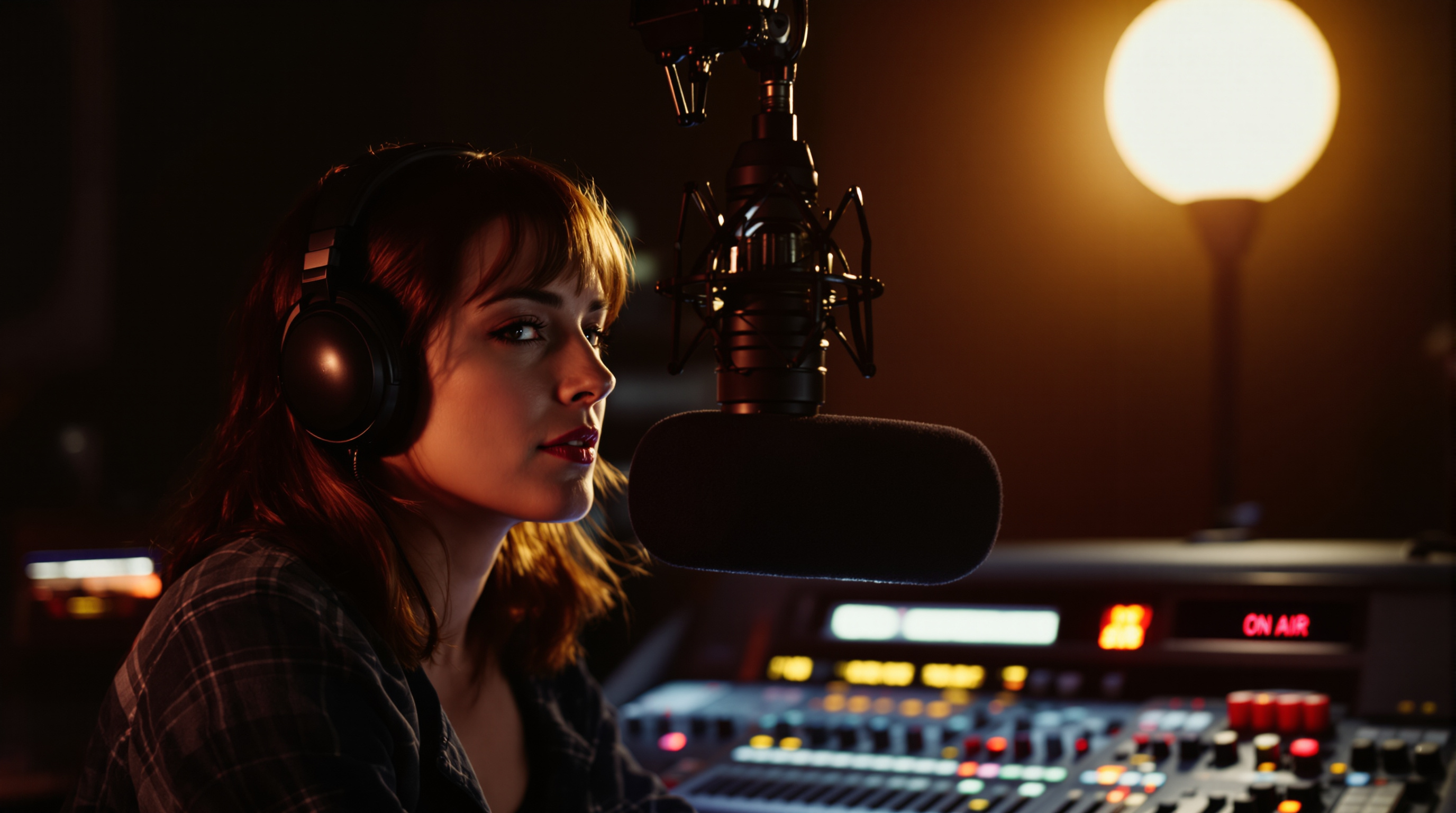
Input · First Frame
Optional reference image the clip opens on.
Input · Audio
Why Start From Audio Instead of Text
Text to video invents everything, including the timing. Image to video fixes the look but still guesses the pacing. Audio to video is for the cases where the timing is the one thing you already have: a beat drop that needs a cut, a spoken line that needs a face, a jingle that needs a loop. Because the clip length is taken directly from the uploaded audio, you are not trimming a video to fit a track afterwards — the motion was generated to that track from the start.
What Makes This Audio to Video Workflow Useful
The timing starts with real audio
This workflow is built for cases where the audio is already the anchor. Instead of estimating pacing from text alone, you upload the clip first and let the generated motion follow it.
Optional first-frame control
You can add a single image when you need the video to begin from a known composition. That is useful for avatars, product shots, portraits, and branded visuals that should not start from a random frame.
A simpler control surface
Audio to video only exposes the controls that matter here: the audio file, one optional image, a prompt, and aspect ratio. No duration or resolution menus to second-guess — the clip length is the audio length.
How to Generate Video From Audio
Upload the audio
Drop in a clip between 5 and 20 seconds — music, voiceover, a sung phrase. This is the only required input, and the finished video will be exactly as long as the audio.
Add a first frame or a prompt
Upload one image if the shot should start from a known portrait, product, or artwork. Otherwise describe the subject, framing, and mood in a short prompt. Pick an aspect ratio and you are done with settings.
Generate and download
Credits are estimated from the audio length before you submit. Preview the result in the browser, adjust the prompt if the motion misses the timing, and download the clip.
FAQ
What does audio to video actually do?+
What inputs are required for audio to video?+
How long can the uploaded audio be?+
How are credits calculated for audio to video?+
How is audio to video different from text to video?+
Which model powers audio to video?+
When should I add a reference image?+
Upload the Audio First. Let the Motion Follow It.
Upload one real clip you actually need video for, add a prompt or a first-frame image, and watch the motion land on your beats. The length is already right — that part is never your problem again.