The Frame Is Already Approved. Now Make It Move.
You have a product shot the client signed off on, a portrait that has been retouched, a key visual the whole campaign is built around. Image to video takes that exact frame as the opening shot and adds the motion you describe — the camera drifts, the fabric settles, the liquid pours — while subject, palette, and composition stay recognisably yours. Choose LTX 2.5 for 4K and native sound, Seedance 2.0 for social ratios, or Kling 3.0 when you want to set the end frame too.
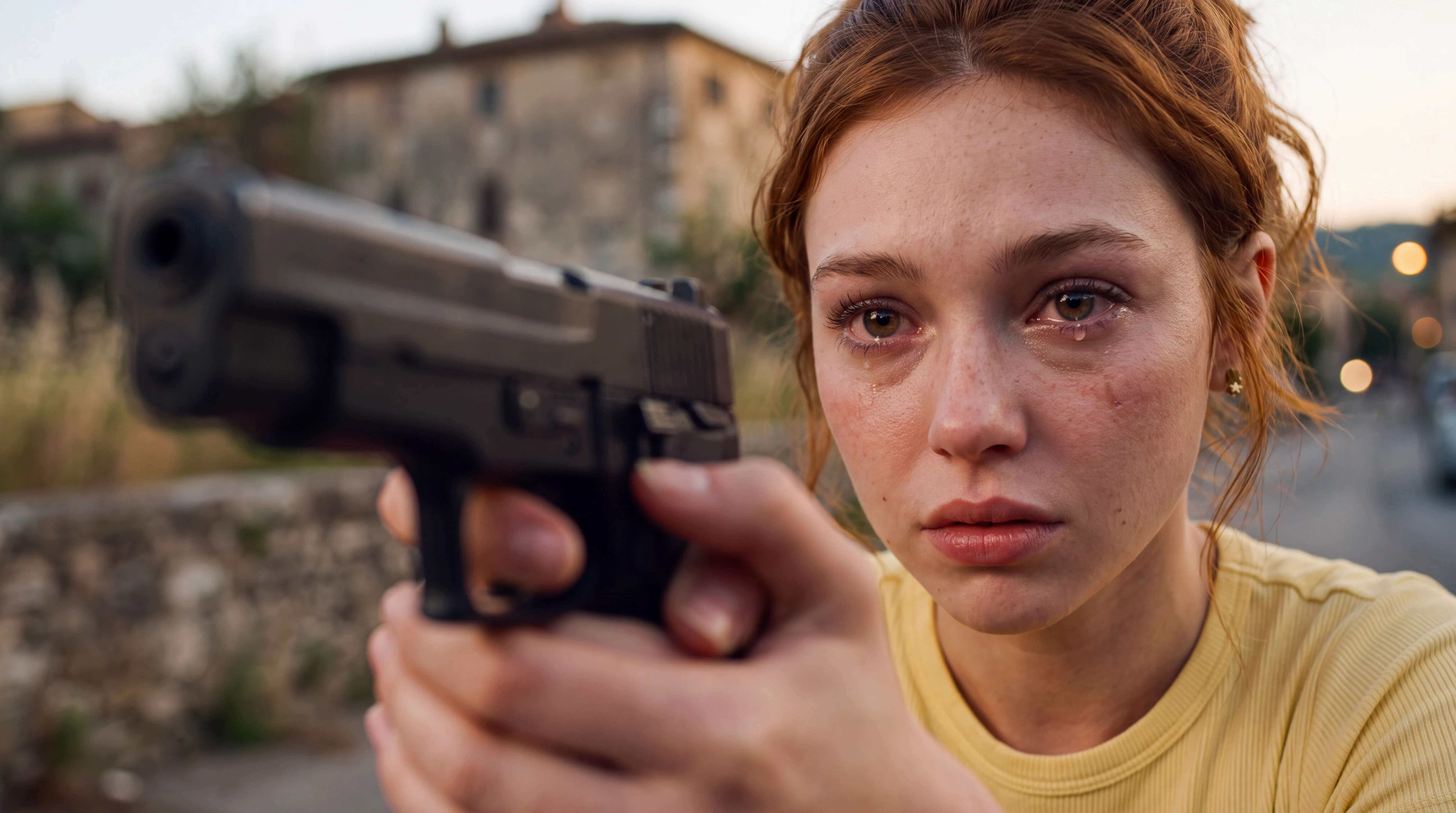
Input · Source Image
One still, uploaded as the first frame. Prompt describes only the motion.
How to Turn an Image Into Video
Choose a video model
Select LTX 2.5, Seedance 2.0, or Kling 3.0. Resolution, duration, and audio options update to what that model supports for image input.
Upload the image and describe the motion
Drop in the still you want to animate — it becomes the first frame. Then write a short prompt about what moves: camera, subject, atmosphere. You are directing motion, not re-describing the picture.
Generate, compare, download
Preview the clip in the browser. If the motion is not right, adjust the prompt or switch models; the source image carries over unchanged. Download when it matches.
Why Start From an Image Instead of a Prompt
With text to video, the first frame is a lottery: you describe the scene and hope the model lands on the right look. With image to video, that decision is already made. You bring an approved product photo, a portrait that has been retouched, a concept frame the client signed off on — and spend your generations on motion, pacing, and atmosphere rather than on re-rolling the composition. For teams working with existing brand assets that is the difference between a usable clip on the second try and a usable clip on the tenth.
Why Teams Animate Their Stills Here
The first frame is a decision, not a roll of the dice
Starting from an approved image removes the biggest source of wasted generations. You already know what the shot looks like; the only thing left to get right is the motion.
Three models, same source image
Because the uploaded still carries over when you switch models, comparing LTX 2.5, Seedance 2.0, and Kling 3.0 is apples to apples. Same frame, same prompt, different interpretation of the motion.
Controlled motion for commercial assets
For ads, landing pages, and social content, a subtle orbit or a slow reveal is usually worth more than dramatic animation. The prompt gives you that control instead of leaving it to chance.
Picking a Model for Image to Video
All three models accept an image as the first frame, but they behave differently. LTX 2.5 is the pick when the output needs to be large — up to 4K — or when you want ambient sound rendered in the same pass. Seedance 2.0 is quick and handles vertical and square formats well, which suits social cut-downs of a product shot. Kling 3.0 gives you longer 1080p takes, useful when one still needs to carry a slow reveal or orbit. Because the source image stays the same, switching models is a fair comparison: same frame, same prompt, different motion. If you have no image yet, start with text to video; if the clip needs to follow a soundtrack, use audio to video.
FAQ
What does image to video actually do?+
Which video models support image to video here?+
What kinds of images work best?+
How much of my original image is preserved?+
How do I write a good image to video prompt?+
Is image to video better than text to video?+
Can the output include sound?+
Use the Image You Already Trust and Turn It Into Motion
Upload the product shot, portrait, or concept frame you already have, write one line about what should move, and watch it play back with sound. If the motion is not right, change the prompt or the model — the frame you uploaded stays exactly as it is.