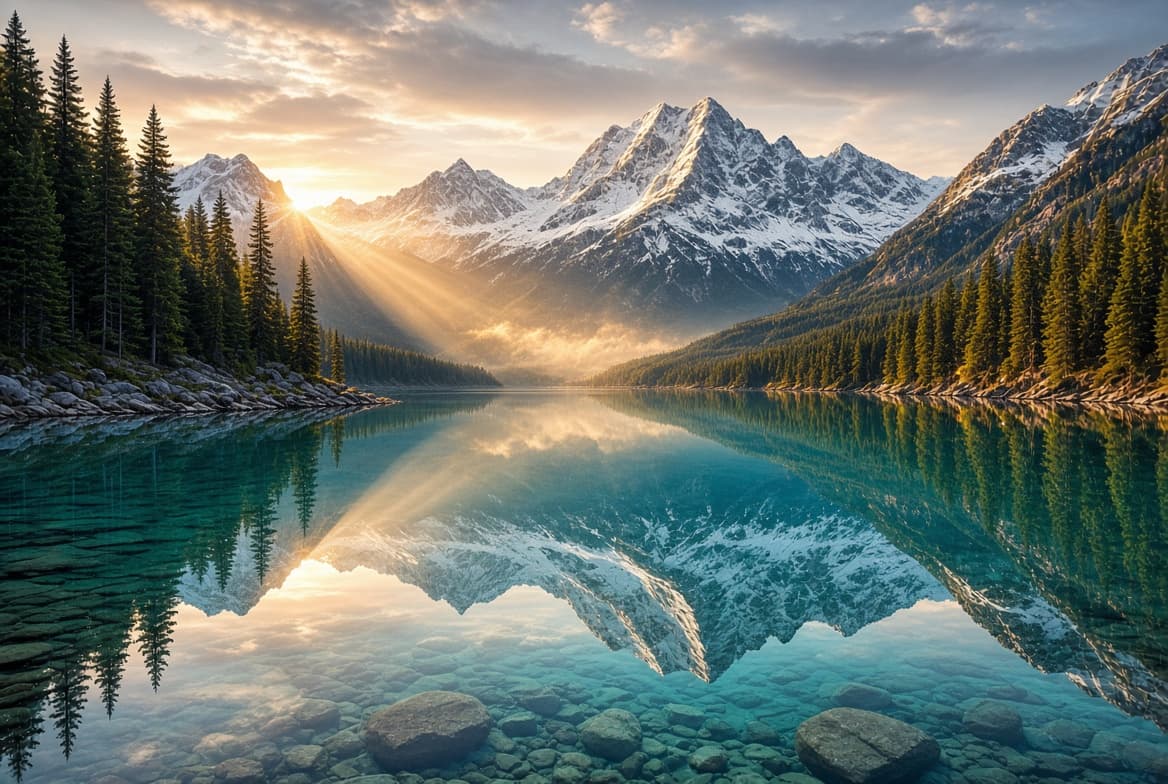
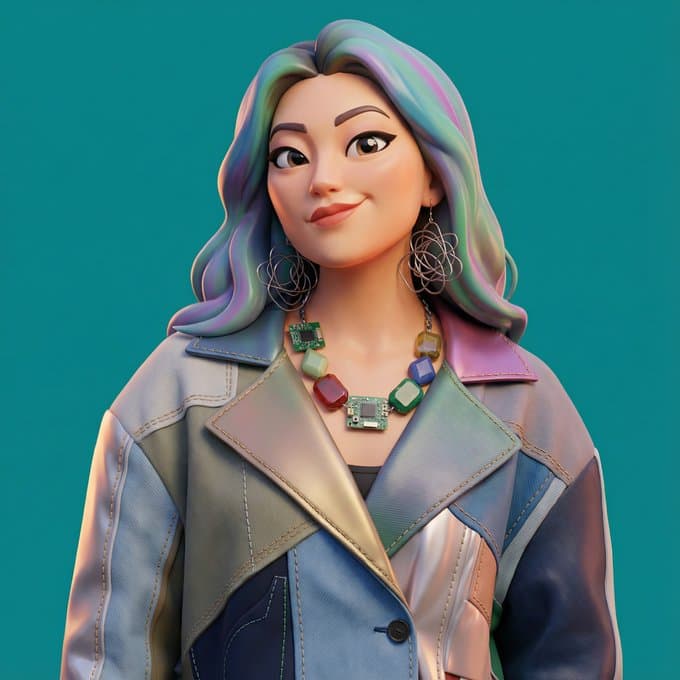
Change One Thing and Leave the Rest of the Frame Alone
Most editing tools make you choose between redrawing the whole image and masking by hand. Image to image is the third option: upload what you have, say what should change, and that is what changes — the background swaps, the subject gets restyled, the label gets new copy, and the parts you did not mention stay where they were. You are not tied to one model either. Pick one from the selector, and if an edit does not hold, run the same instruction on another. Up to four reference images, output up to 4K, transparent PNG on demand.
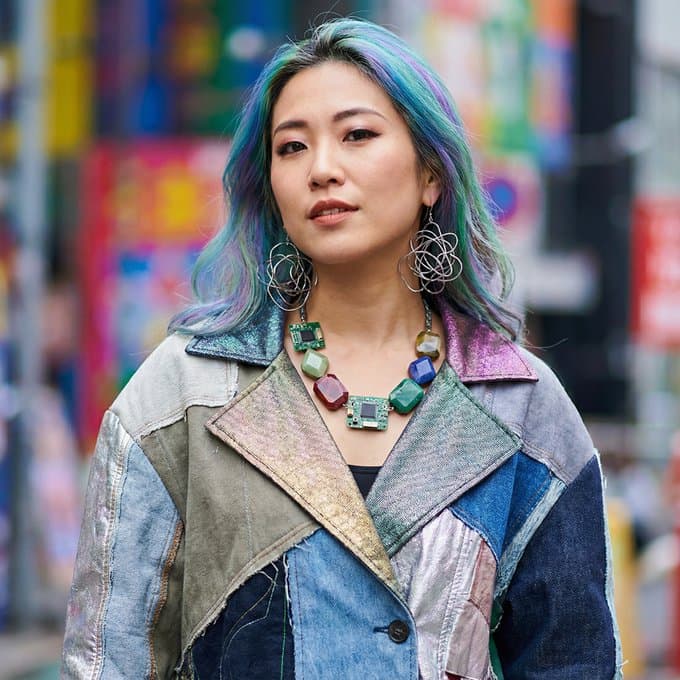
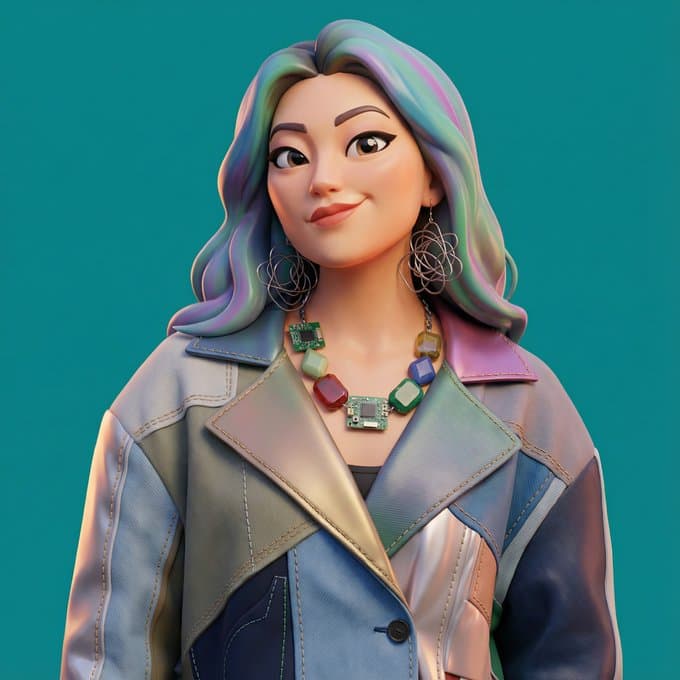
How to Edit an Image With a Prompt
Upload one to four images
JPG, PNG, or WEBP, 1.25 MB each and 4 MB in total. The first image sets the composition; anything after it acts as a reference — a style to borrow, a product to insert, a palette to match.
Describe only what should change
Name the edit, not the whole picture: replace the background with a grey studio sweep, restyle the portrait as a pencil drawing, change the label to read something else. What you leave unmentioned is what stays untouched.
Set the output and generate
Leave the aspect ratio on Auto to match the source, or pick another to reframe. Choose your resolution and whether the background should be opaque or transparent, then generate — the result arrives with a download link.
Six Edits Worth Trying First
| Edit | What to write | Also say |
|---|---|---|
| Background swap | Replace the background with a seamless light grey studio sweep | keep the subject and its shadow unchanged |
| Subject extraction | Extract the product onto a transparent background | no backdrop, no scenery, no shadow |
| Restyle | Render the same scene as a flat vector illustration | same composition and colour palette |
| Text change | Change the label copy to read "COLD BREW 500ML" | keep the typeface, size, and placement |
| Canvas extend | Extend the scene to 16:9 | continue the wall and the floor naturally on both sides |
| Reference blend | Place the product from image 2 onto the table in image 1 | match the light direction and the perspective |
Getting the Edit to Hold
One change per generation
Stacking four edits into one prompt is how details drift. Make the background swap, download, re-upload, then change the text. Each pass is cheap and each result is predictable.
Say what must not change
Adding 'keep the subject, framing, and lighting exactly as they are' measurably tightens the result. Models honour explicit constraints better than they infer them.
Order your reference images
The first upload drives the composition. Put the image you are editing first and the references after it, then refer to them by position — 'the jacket from image 2' — so there is no ambiguity.
Auto ratio keeps the source framing
Leave Aspect ratio on Auto when the edit should not reframe anything. Pick an explicit ratio only when you actually want the canvas extended or cropped.
Switch models when an edit will not hold
Models differ most on precise edits — text, a specific product, a multi-step refinement. If one keeps drifting, pick another from the selector and rerun the same instruction. Your uploads and your prompt stay put; the ratio and resolution reset to the new model's defaults, so reset them yourself if you need an exact comparison.
Nothing to Upload Yet? Start From Text.
Image to image needs a source. If you are starting from a blank page, generate the base first in the AI Image Generator, then bring the result back here to refine it. When the finished frame should move, send it to Image to Video — the composition, colours, and rendered text carry into the clip.
FAQ
What does image to image mean?+
How many images can I upload at once?+
Will it change parts of the image I did not mention?+
Which models can I edit with?+
Can I change the text inside an image?+
Can I remove the background from a photo?+
What resolution does the edited image come back at?+
Does editing cost more than generating from text?+
Are uploaded images checked before editing?+
Upload It and Describe the Change
Take the shot that is almost right — the one with the wrong background or the old price on the label — and fix it in a sentence. One upload, one instruction, and the file you needed.