AI Video Tools: The Trends, Ready to Star You
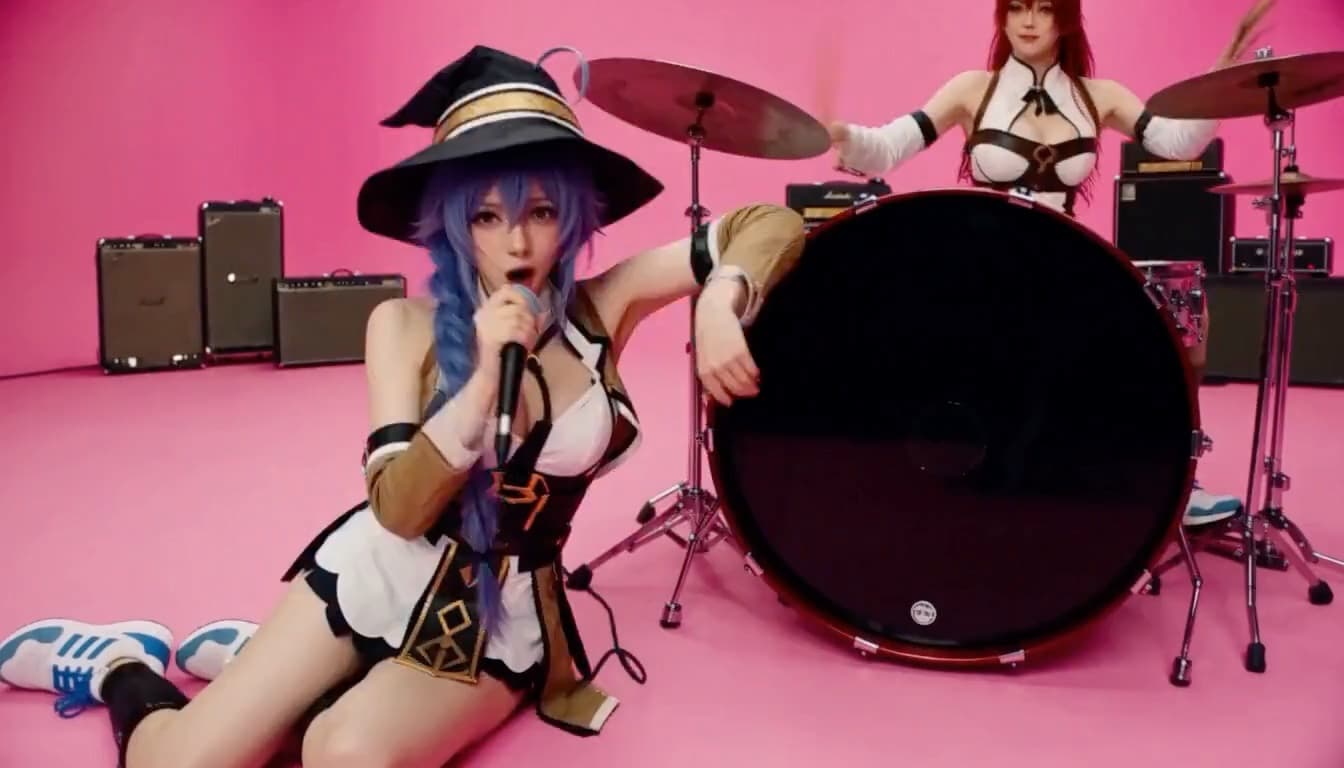
Each tool is one viral clip with the scene, the moves and the sound already loaded. Upload one or two photos, press Generate, and the clip comes back with your faces in it. No prompt, no editing.
The Clip Is Already Directed. You Just Cast It.
Text to video and image to video start from nothing: you describe the shot and the model invents it. These tools start from the other end. Each one holds a finished viral clip — the camera work, the choreography, the cuts and the soundtrack — and replaces only the people in it with the faces from your photos. That is why there is no prompt box: the scene is fixed, and the only creative choice left is who stars in it.
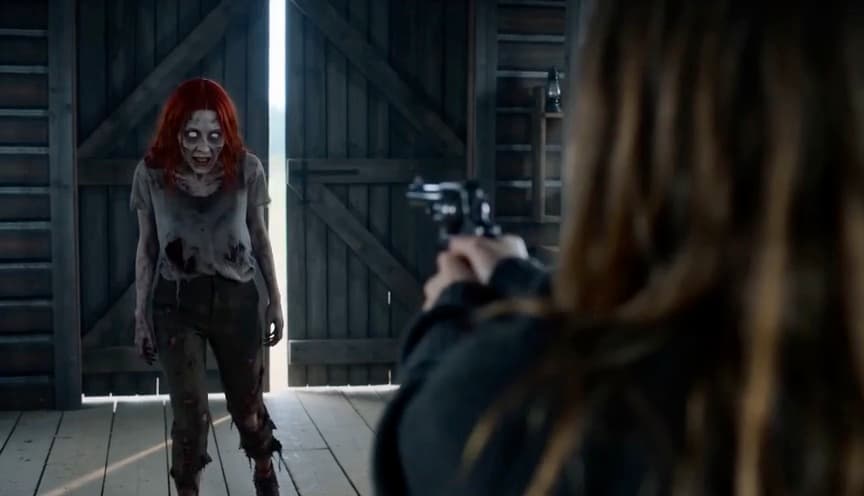
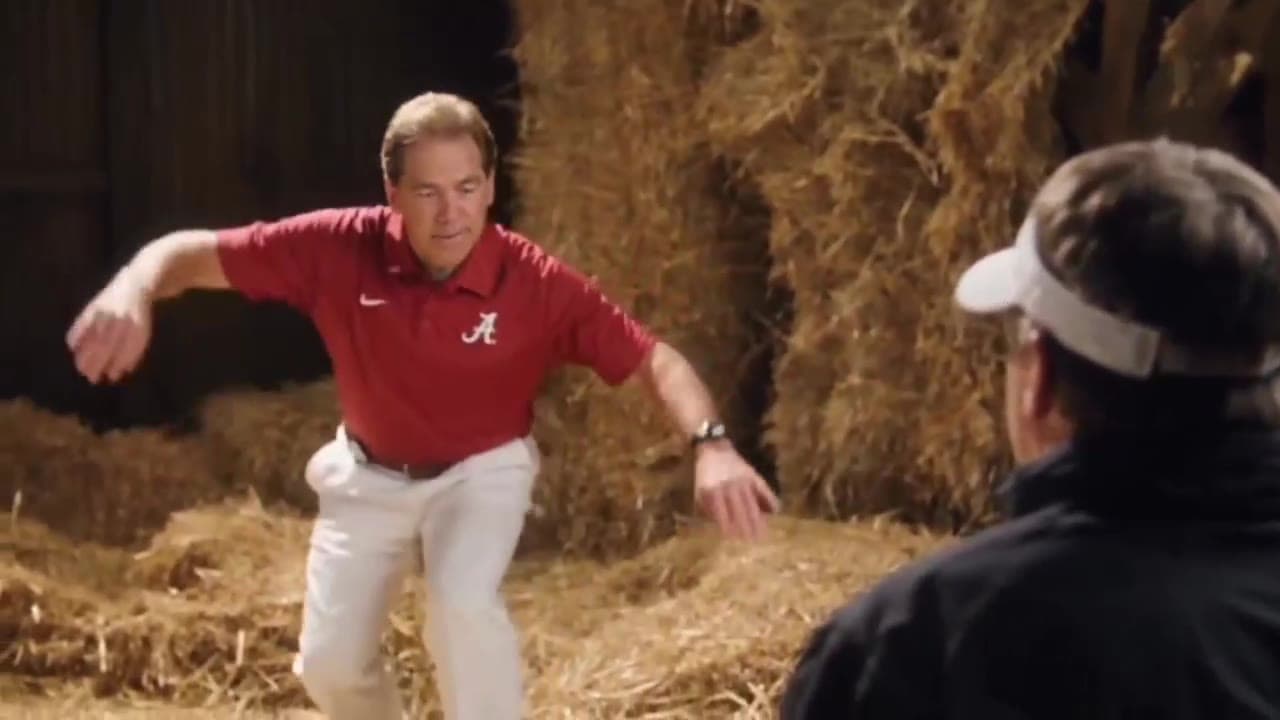
Most tools edit the original clip frame for frame, so the timing of every move lands exactly where the trend has it. AI Zombie is the exception: it directs the whole film from a shot-by-shot script, so it can render in vertical 9:16 as well as landscape.
Before You Upload
One subject per photo
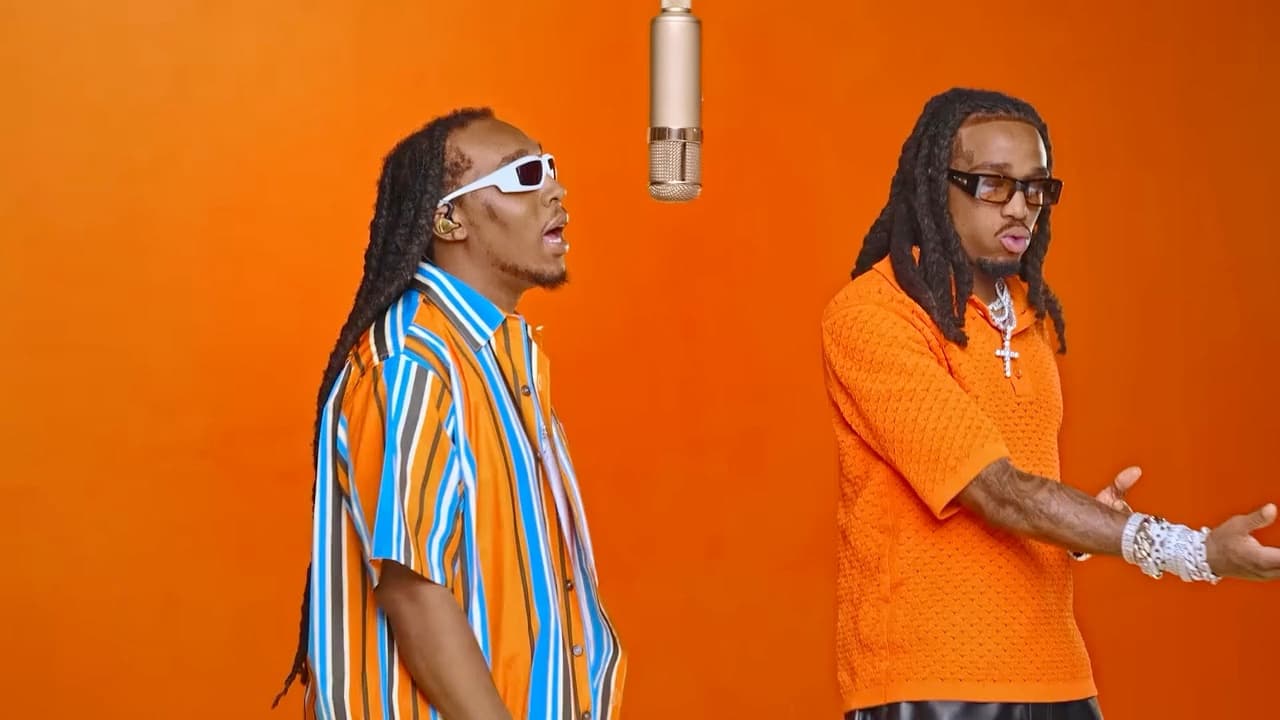
Two-person tools take two separate photos, not one group shot. The stills next to each upload box show which original performer each photo replaces.
Face clear, light even
Front-facing, chest up or waist up, no sunglasses or heavy filters. The model copies identity from the face, so that is what has to be visible.
Pets are welcome
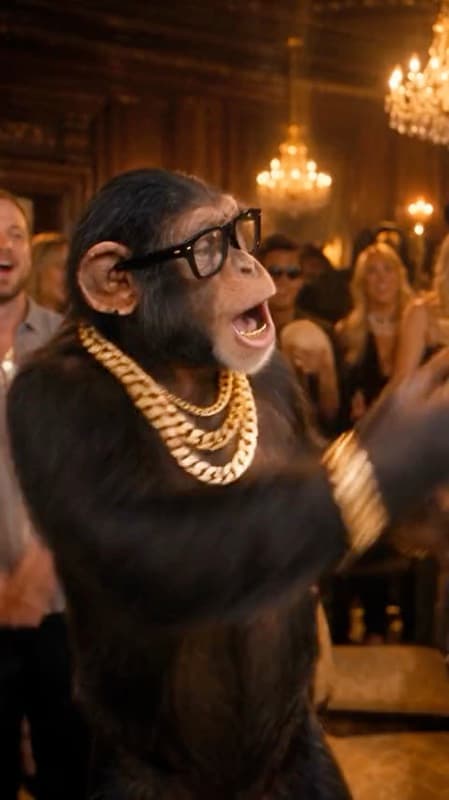
Hotel Lobby AI and AI Zombie handle cats, dogs and other pets well; in AI Zombie a pet becomes a zombie version of itself in the barn.
Only people who agreed
Use photos of yourself or of people who said yes. Every photo passes through automated moderation, and explicit images are blocked.
FAQ
What are AI Video Tools?+
One-click generators for viral video trends. Each holds a finished clip — scene, moves and sound — and recasts the people in it from the photos you upload. You don't write a prompt or edit anything.
How are they different from Image to Video?+
Image to Video animates a photo into a new shot you describe. These tools put your photo into an existing, specific clip and keep everything else about it, so the result is that trend, with you in it.
How many credits does a video cost?+
It depends on the clip's length: from 250 credits for a 480p AI Zombie film up to 1,315 for the 28-second Raindance video. Credits are only charged when a video succeeds; failed videos are refunded automatically.
How long does a video take?+
Usually 5 to 10 minutes. You can close the tab while it renders; the finished video waits under Your recent videos on that tool's page.
Do the videos have sound?+
Yes. Every tool returns its video with the original soundtrack or, for AI Zombie, a generated score and sound effects.
Are these affiliated with the original artists or creators?+
No. They are independent tools for making your own take on each trend and are not affiliated with, or endorsed by, the artists, performers or rights holders of the original clips.